PolicyLens: remove risky access, keep the access people need
A proposed AWS permission change would let someone delete a production database. PolicyLens shows which line in the policy allows it, then checks that a fix removes that access without breaking the report access people still need.
The problem
In AWS, permissions are written as JSON policies. When someone changes one, a reviewer usually sees a list of edited lines. What they need to know is simpler: what can people now do that they could not do before, has the risky part been removed, and can the service still do its job?
The decision it supports
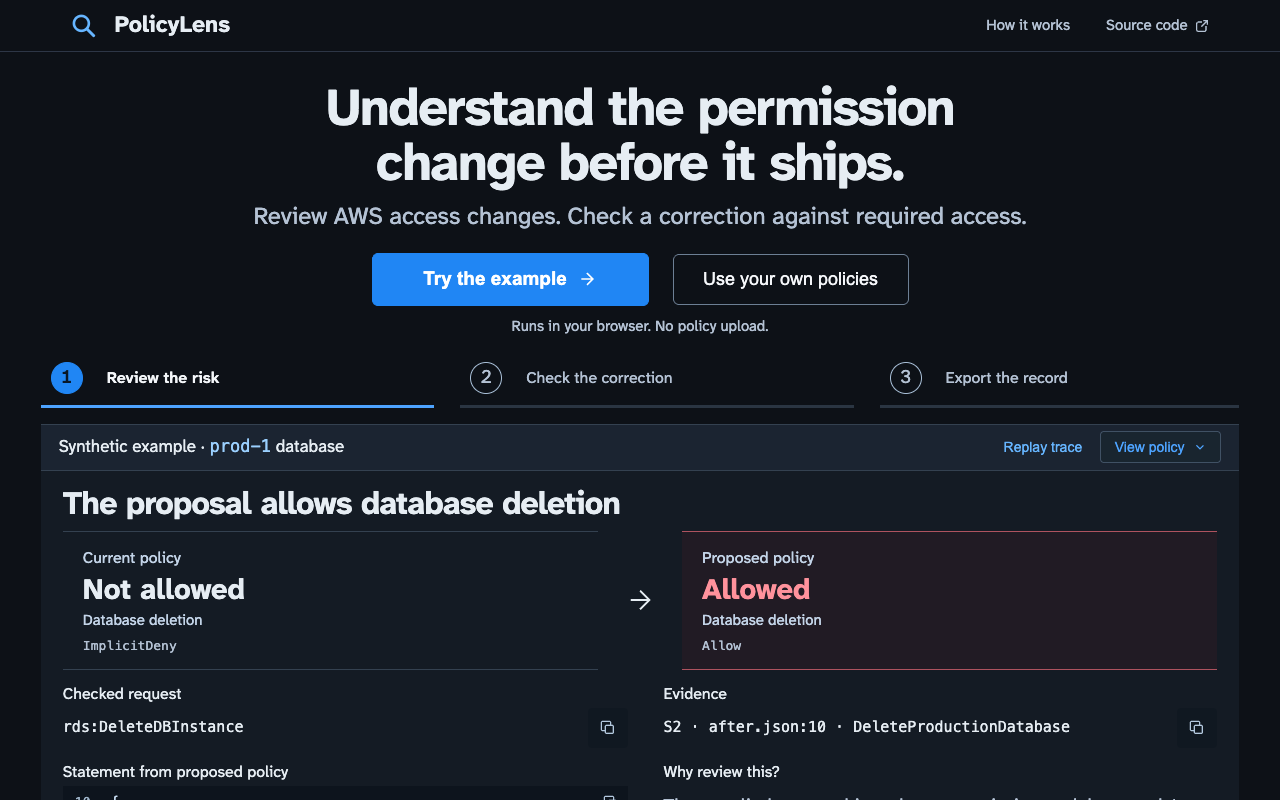
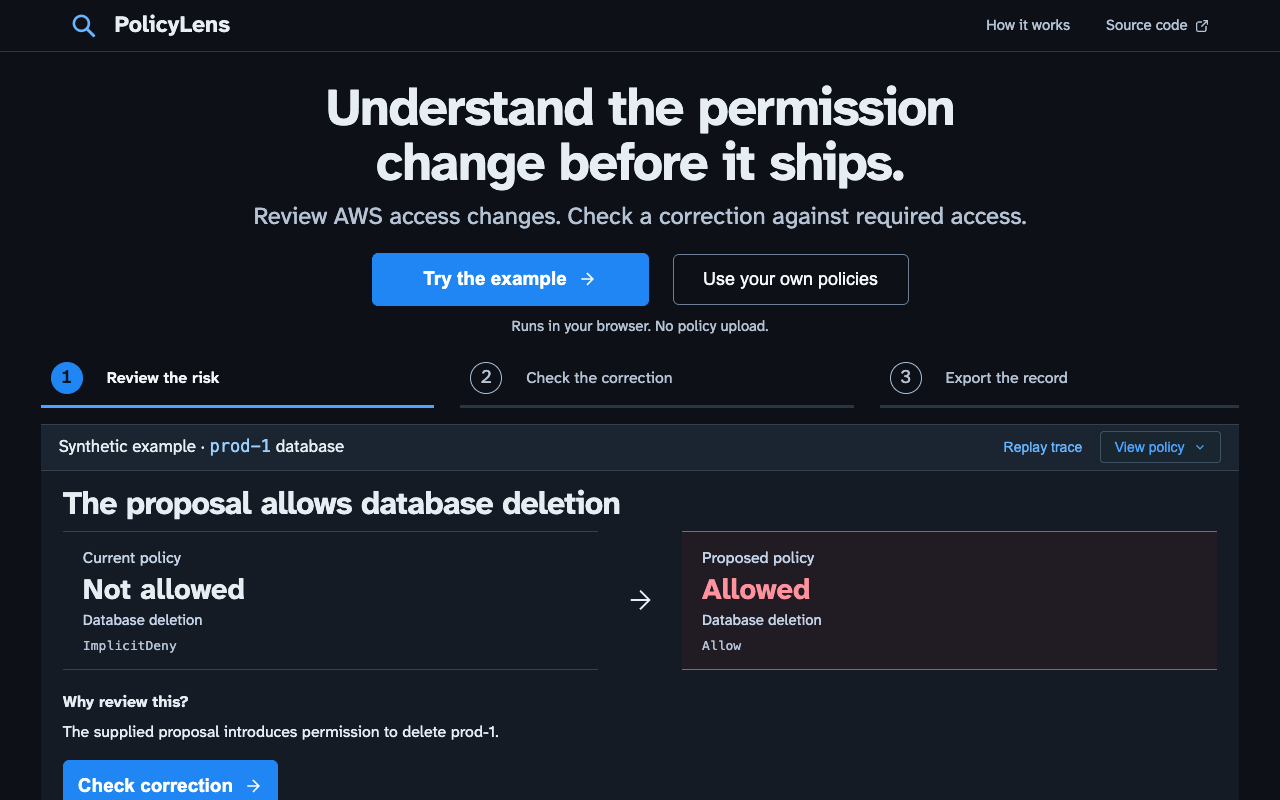
Should this change go ahead? PolicyLens answers with a concrete example (“this account can now delete the prod-1 database”) and points to the policy line responsible. It then checks a proposed fix against two questions: is the deletion now blocked, and can the account still read its reports? The reviewer can download a record of what was removed, what was kept and why.
Limits
PolicyLens checks only the policies and requests you give it. It does not prove a whole AWS account is safe, and it does not yet cover organisation-wide rules (service control policies), permission boundaries, session policies or access between accounts. I have not yet compared its results with AWS’s own policy simulator. The browser demo has no AI and no account access.
This is a personal project with made-up examples. It has not been used by a client, and I have not measured time saved.
Try it step by step
- Open the example. It shows a change that newly allows deleting a database, and the policy line that allows it.
- Check the fix. See which line was removed and which was kept, then select Verify correction to test both requests.
- Download the review record (a JSON file). The original problem and the fixed result are kept separate.
- To check your own policies, choose Use your own policies and open or paste them. They never leave your browser.
Before and after
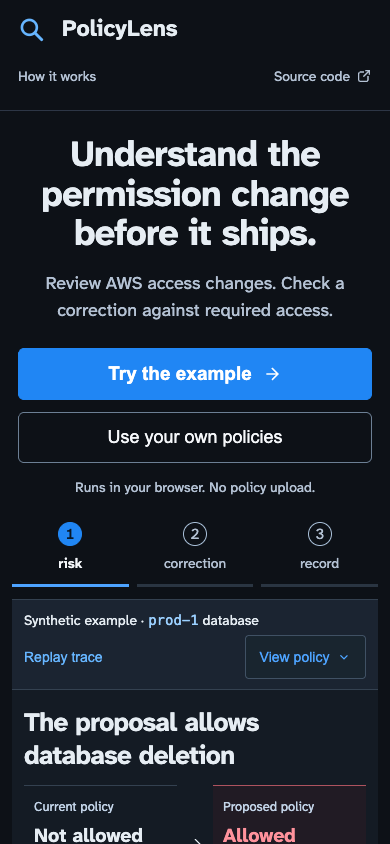
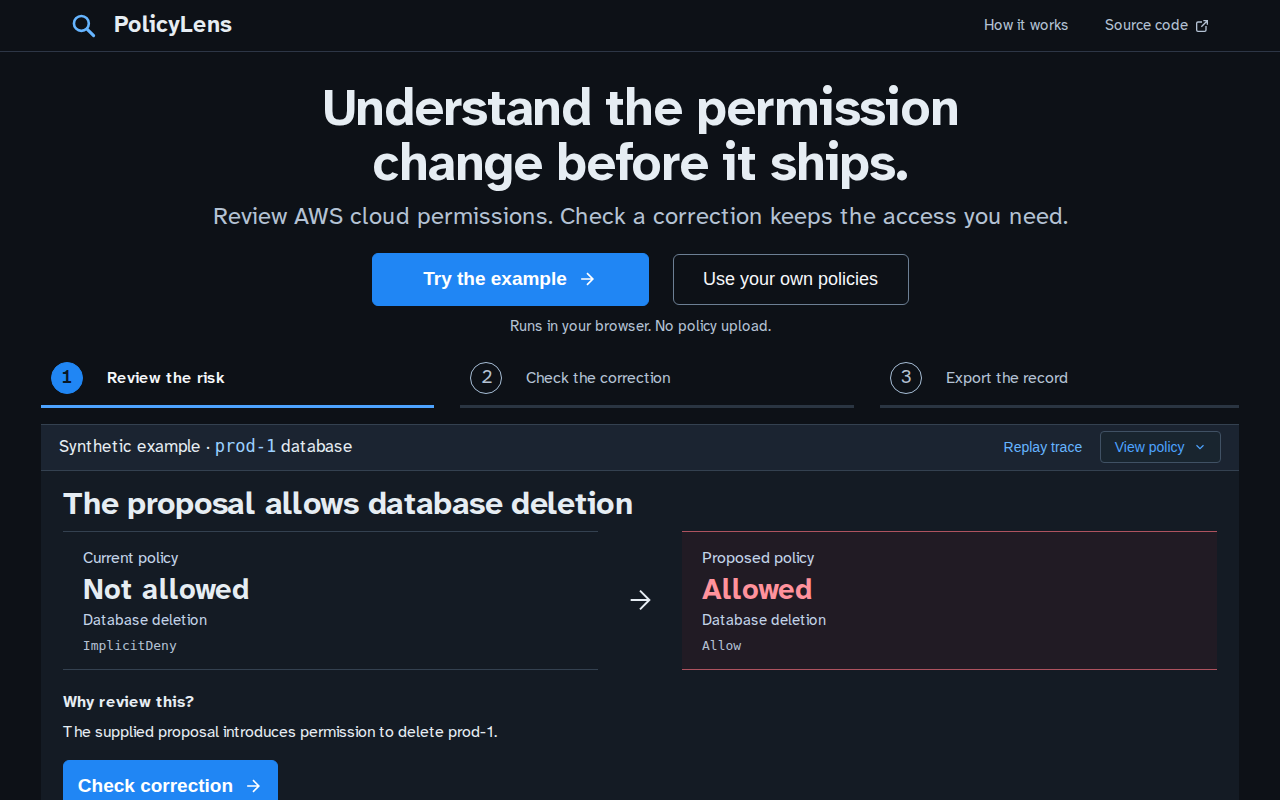
The first screen, before and after. It used to open on empty policy editors. Now it explains the job and runs a labelled example straight away.
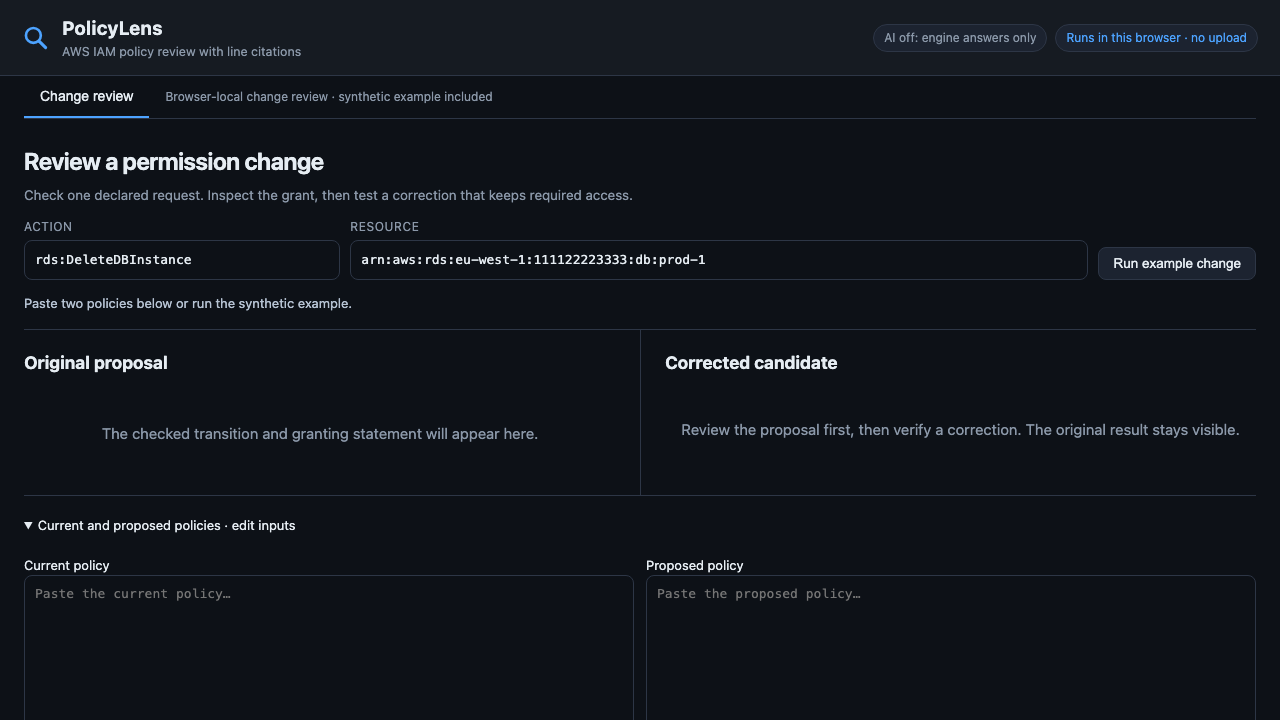
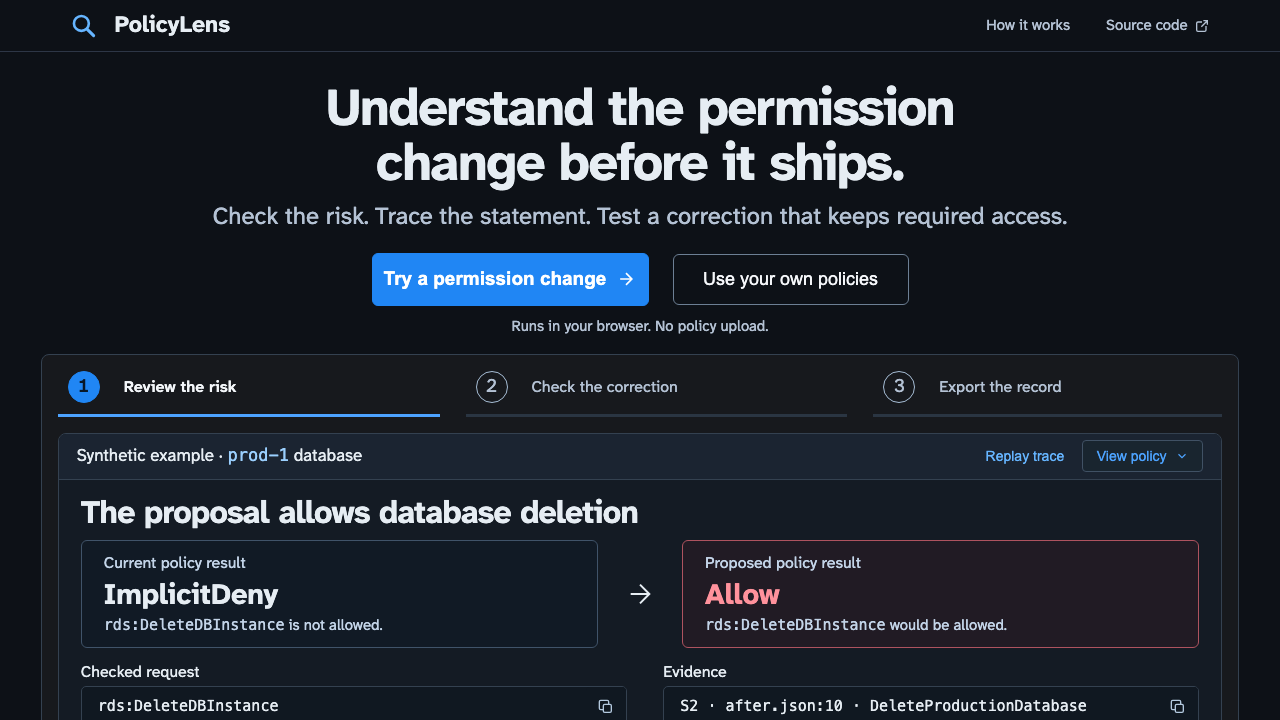
Why the design changed
Visitors met empty editors before they knew what the tool was for. Now a working example leads from the risk, to the line that causes it, to a checked fix and a downloadable record. The fix screen shows which lines were removed, kept or added, separately from the access test itself, because keeping a line does not on its own prove the access still works.
Technical evidence
For engineers. The example cites statement S2 at after.json:10 for rds:DeleteDBInstance. The fix removes that access and keeps the declared s3:GetObject report request. I wrote a 55-case benchmark and six checks that the AI explanation stays faithful to the result. Browser tests cover the fix and export, your own files, invalid input, out-of-date results, missing required access, phone layouts and reduced motion.
Download the example review record (JSON). It keeps the exact policy lines and decisions beside the plain-language explanation.
Design history and earlier captures
The earlier workflow iteration remains inspectable: original workflow and first correction workbench. New matched-task captures: review before and review after.
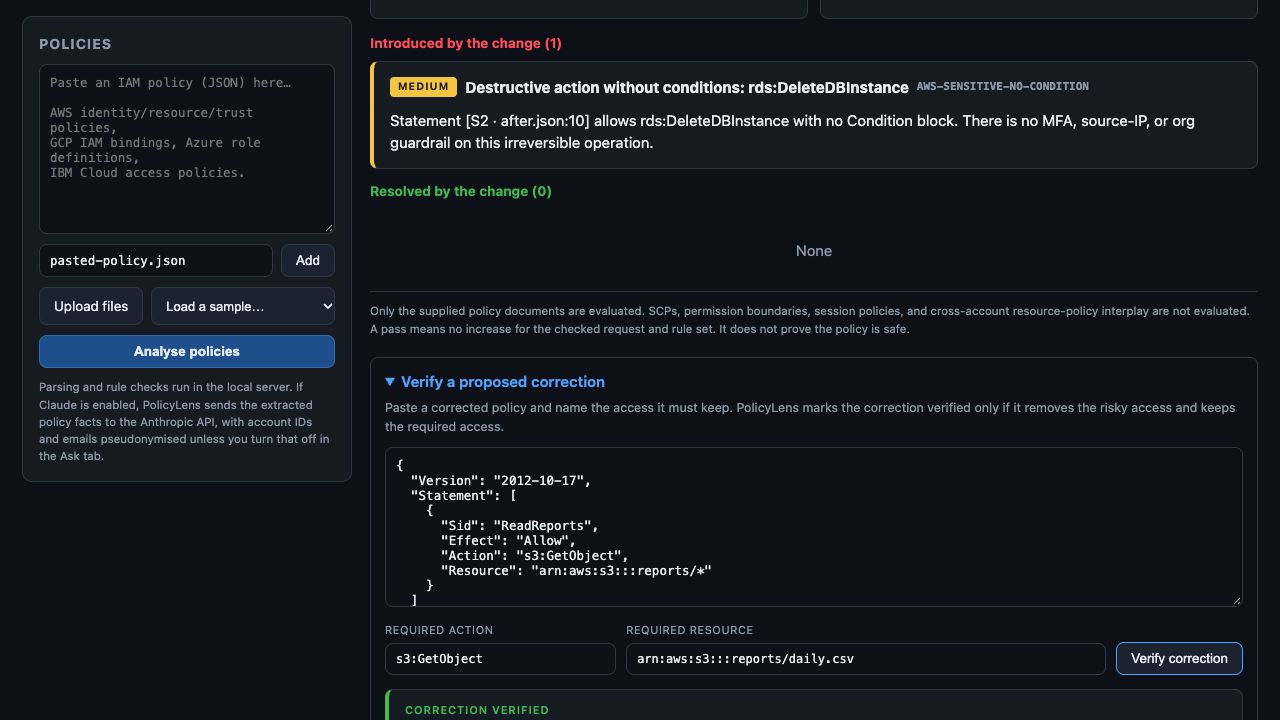
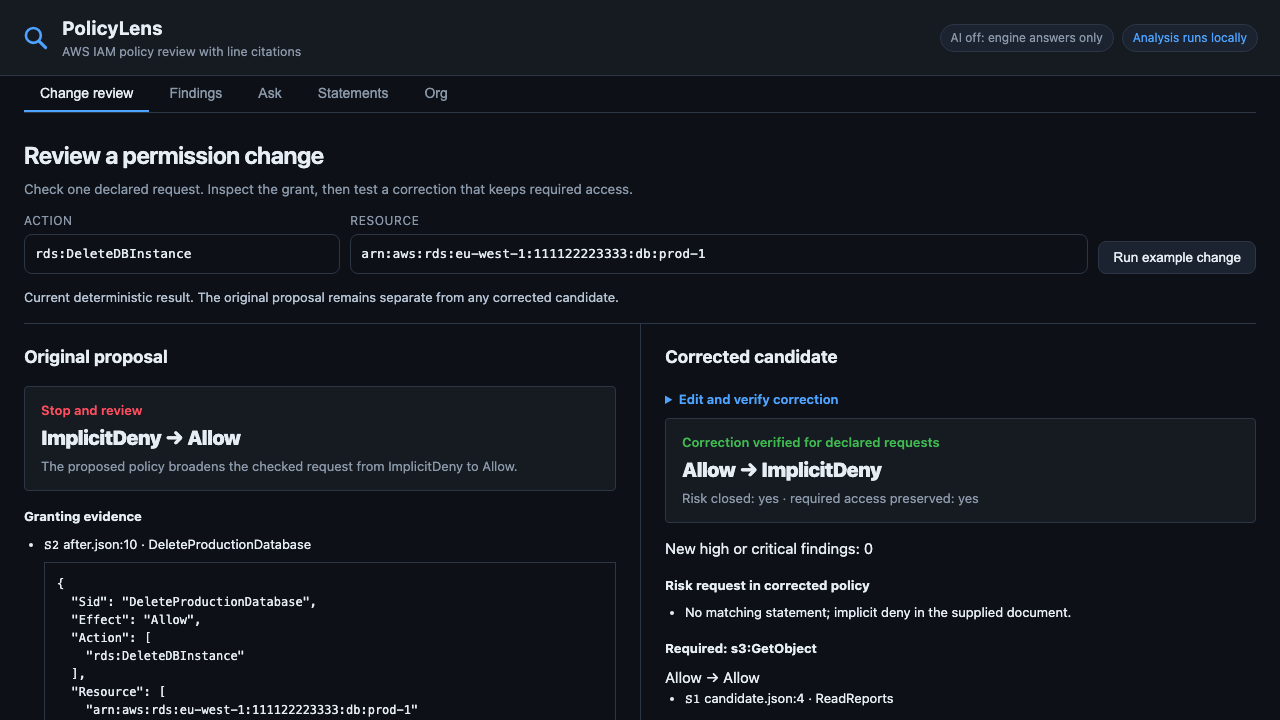
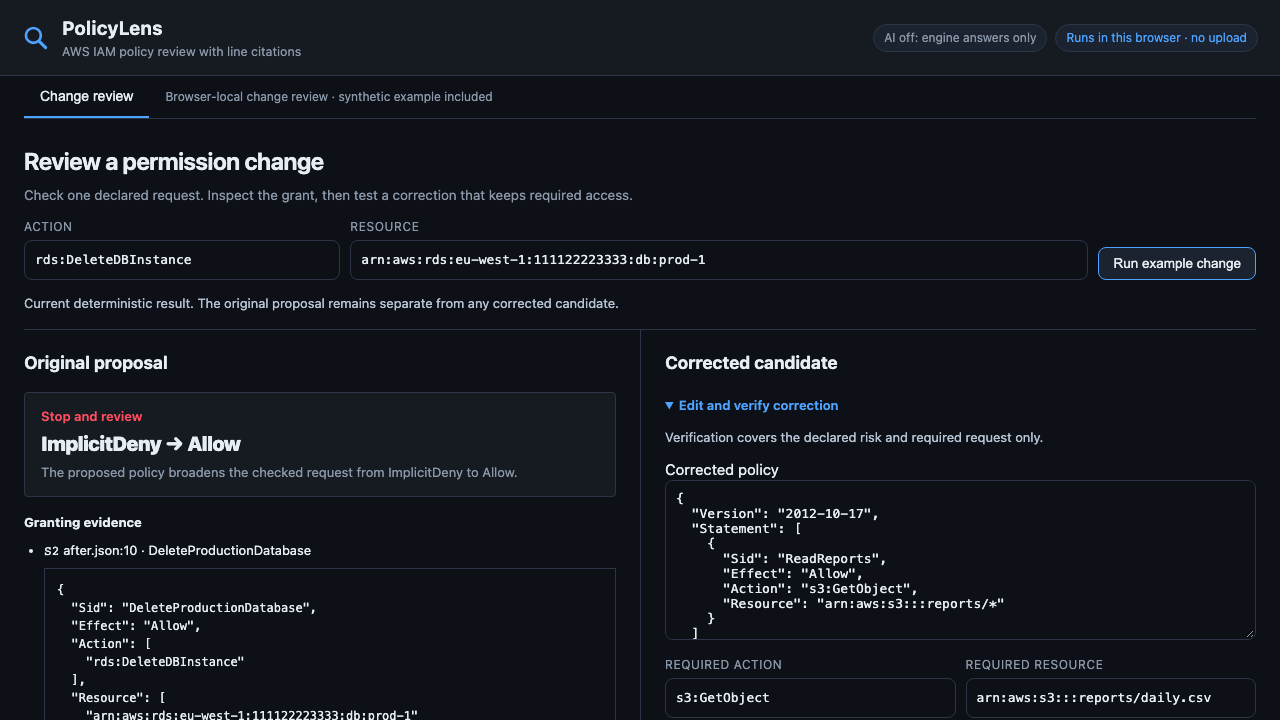
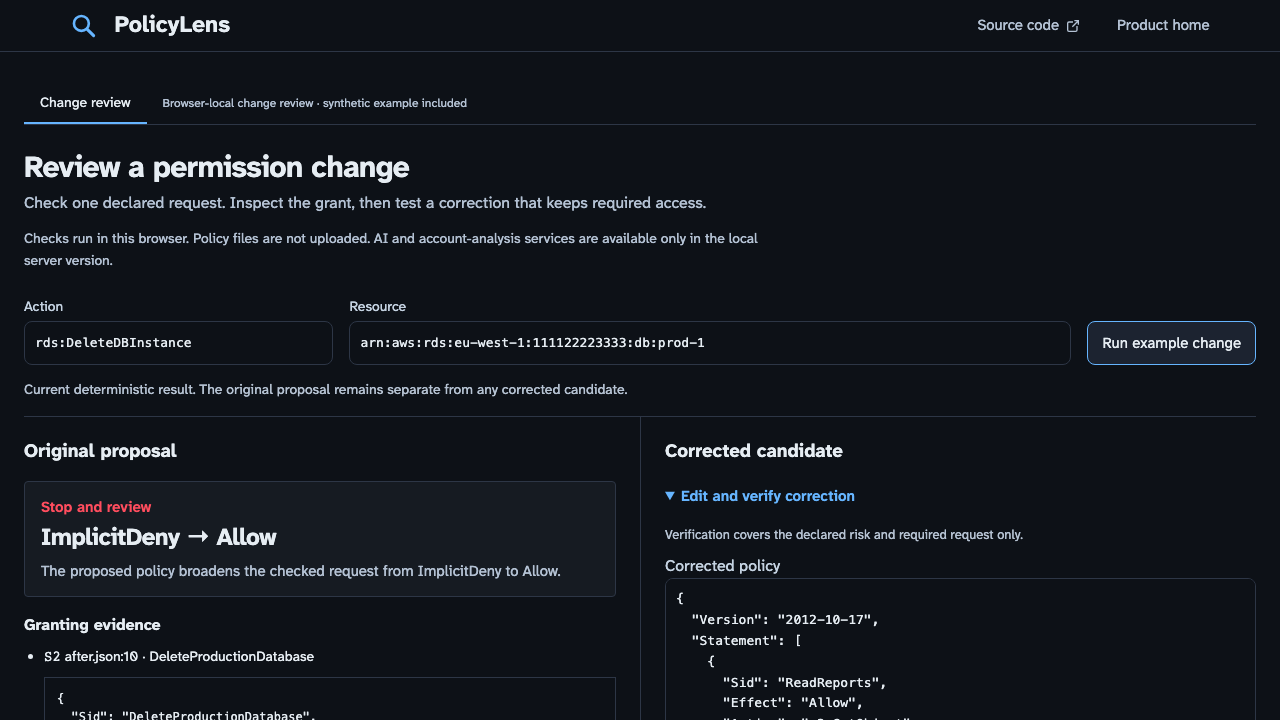
First-screen captures: before the wording pass, after the wording pass and phone view.