ProjectLens: check the story against the schedule
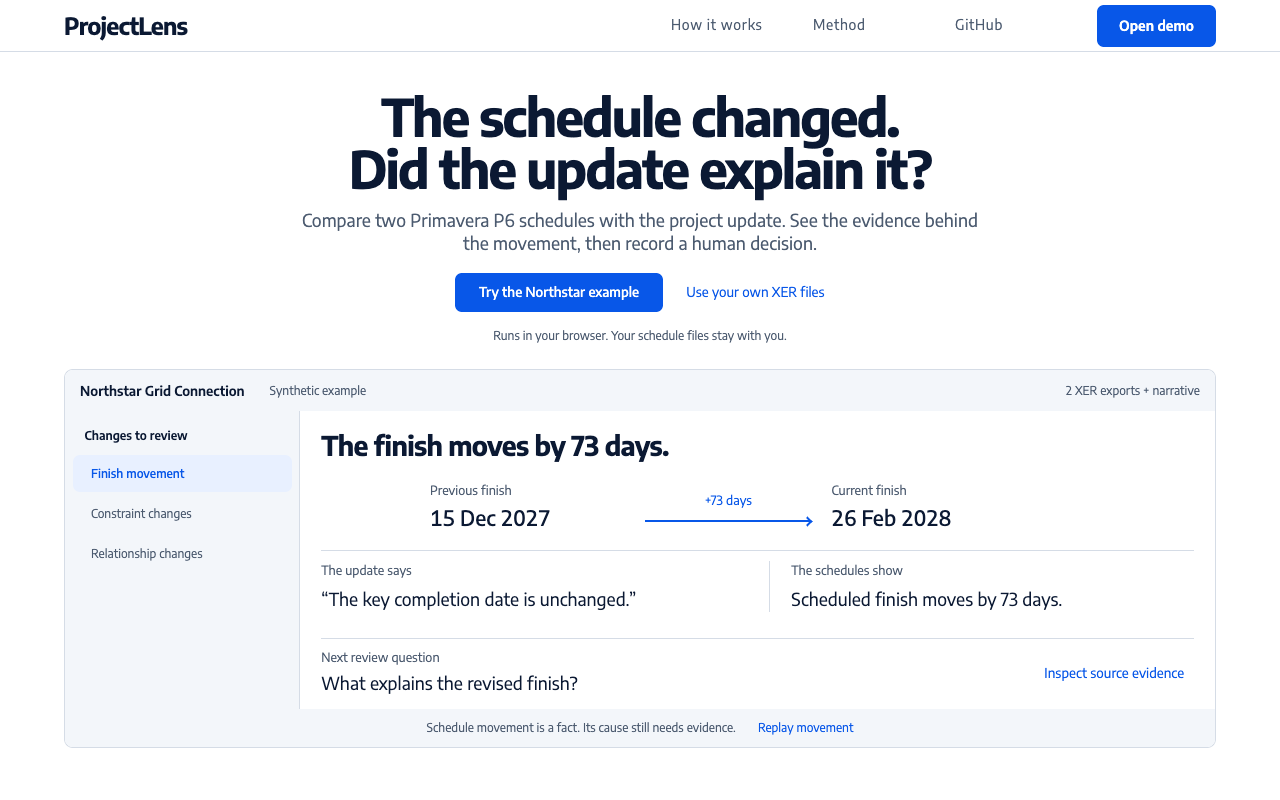
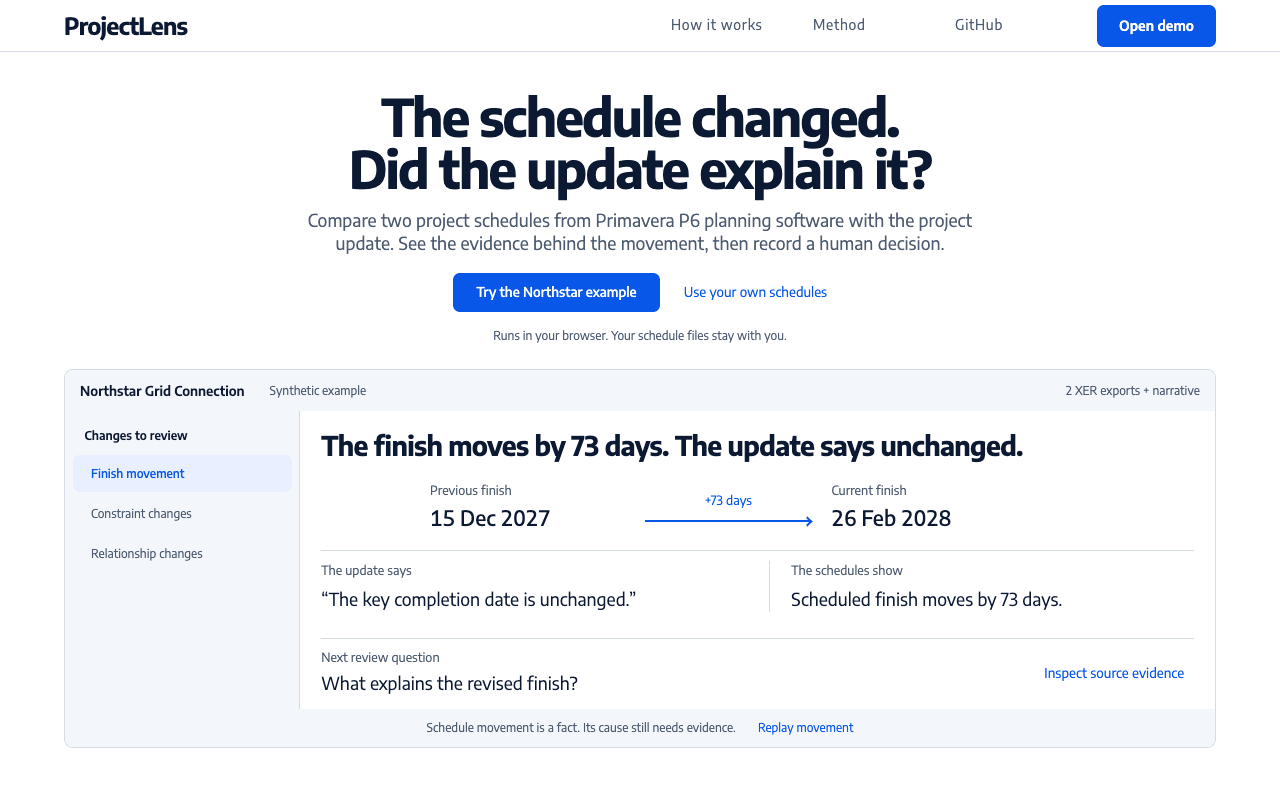
The update says the finish is unchanged. The schedules show a 73-day delay. ProjectLens puts the conflict beside its source so a reviewer can ask for an explanation and record a decision.
The problem
Project managers and planners need to check whether a submitted update agrees with its schedules. A polished report can hide changed dates, constraints and relationships.
The decision it supports
The review keeps three priority findings beside their original fields; all five findings in the Northstar example remain available. A reviewer can ask for evidence, record who made the decision and track any conditions. The tool finds the discrepancy; the reviewer decides what it means.
Limits
Checks cover supported single-project Primavera P6 XER fields and narrative keywords. They do not establish the cause of a delay, contractual responsibility or approval. Records are local and unsigned; a deliberately saved device draft includes source files. Planner trials with representative real exports remain outstanding.
Independent public project by Matthew Paver. Examples are synthetic. No client deployment, adoption, time saving or measured commercial benefit is claimed. User comprehension has not yet been measured.
Complete journey
- Open the synthetic Northstar example, or choose two supported schedule exports and paste the update. Files are parsed in your browser without uploading them.
- Select a finding to inspect its source dates and fields. Edit the update and rerun the checks; the original wording remains in the record.
- Record a decision with an owner and rationale. For conditional approval, add a condition, owner and due date.
- Download the evidence-linked record. Close a condition when its follow-up is complete, or deliberately save a device draft to resume later.
Before and after
Actual landing-page captures of the same synthetic Northstar example at 1280 × 720. Open either image to inspect the full detail.
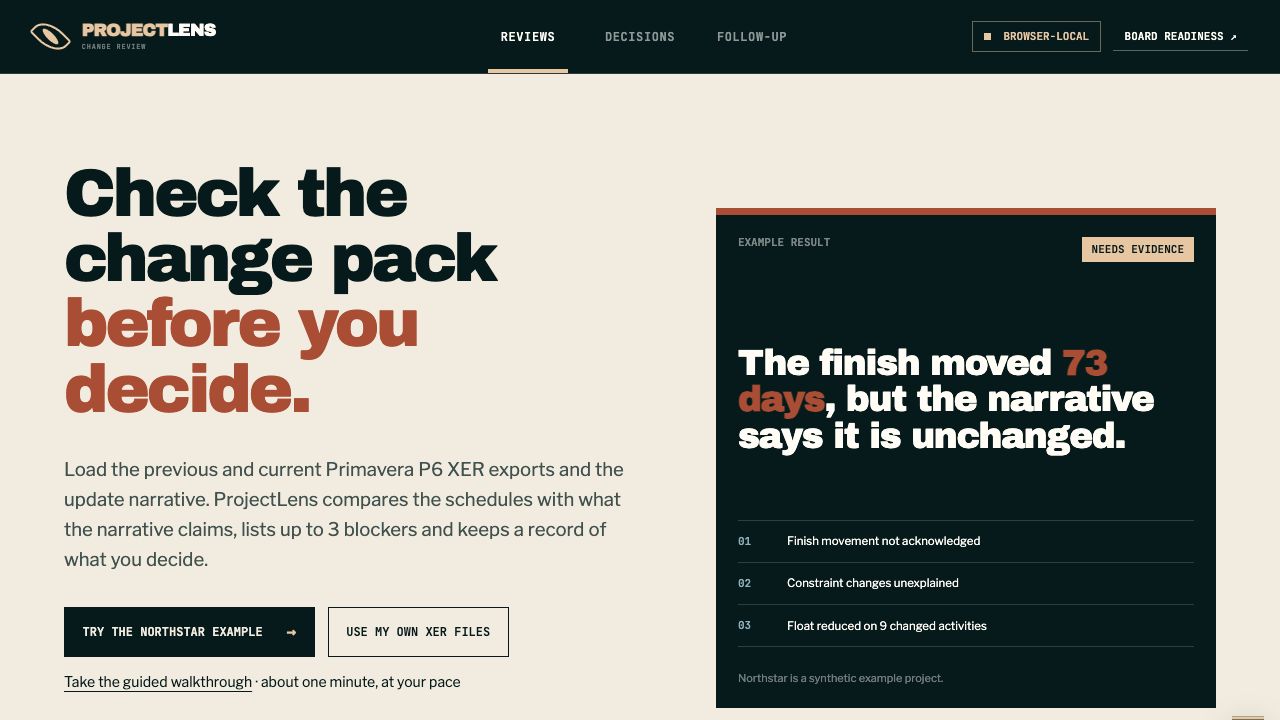
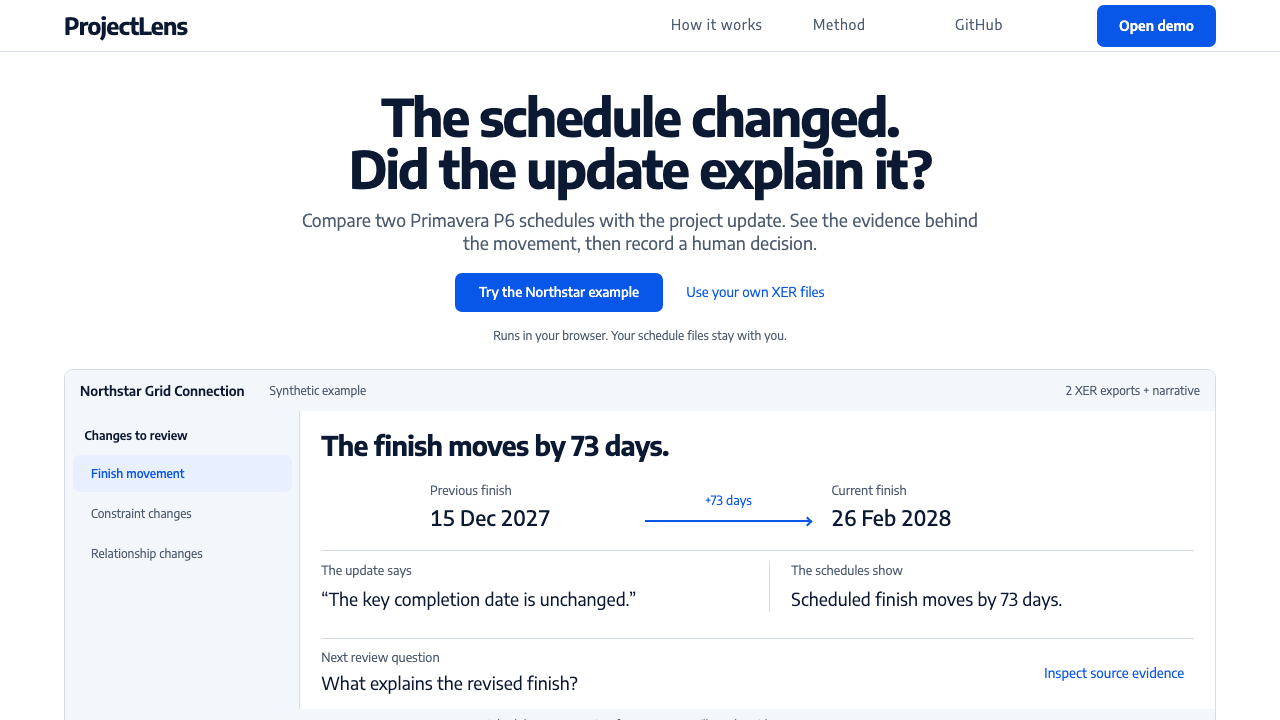
Screenshots show the interaction change. They do not establish time saved, adoption or a measured business outcome.
Why the design changed
Before, the introduction hid the working comparison behind another action. After, the landing shows the actual date comparison and next review question. The full review keeps factual changes visible after narrative edits and preserves original and revised wording separately.
Technical evidence
Northstar moves from 15 December 2027 to 26 February 2028: 73 days. Three findings are prioritised; all five remain in the record. Optional public-record context never has to be dismissed to save a decision. Seven browser suites cover source integrity, narrative edits, decisions, exports, drafts, storage failures and follow-up.
Results and reproducible tests · Run locally
Take the interactive walkthrough. It uses the working parser, checks and decision forms. Demonstration records stay in memory, separate from saved work, and disappear on reload. Playback pauses for your decision; reduced-motion visitors can use Next.
Design history and earlier captures
Earlier workflow captures remain available: original workflow and first evidence-desk iteration.
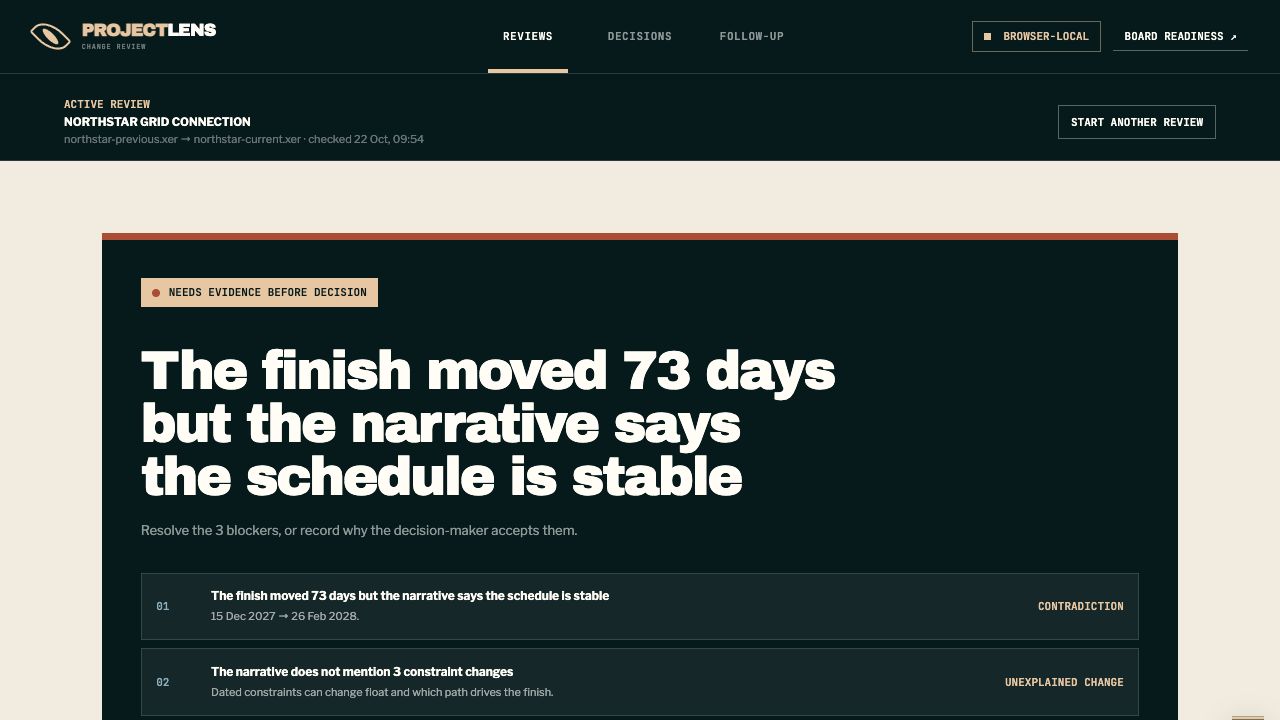
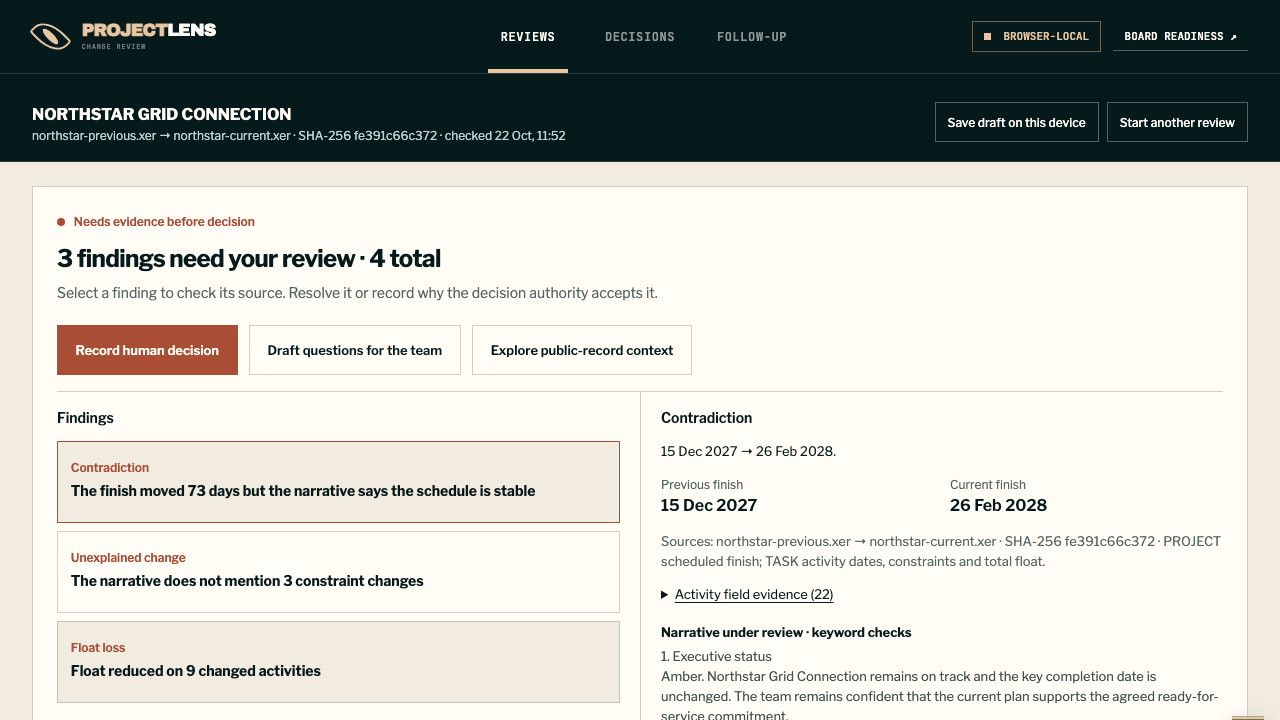
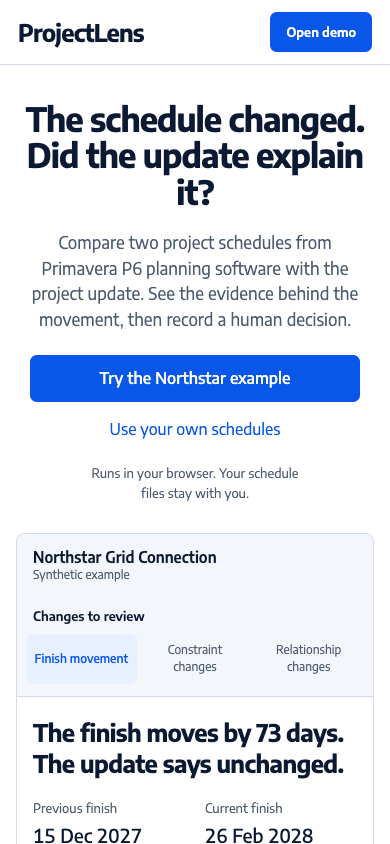
Actual landing captures at 1280 × 800: before clarity refinement · after clarity refinement · updated phone view. These show the presentation change; user comprehension has not yet been measured.