Public catalogue
7 projects and 2 code examples
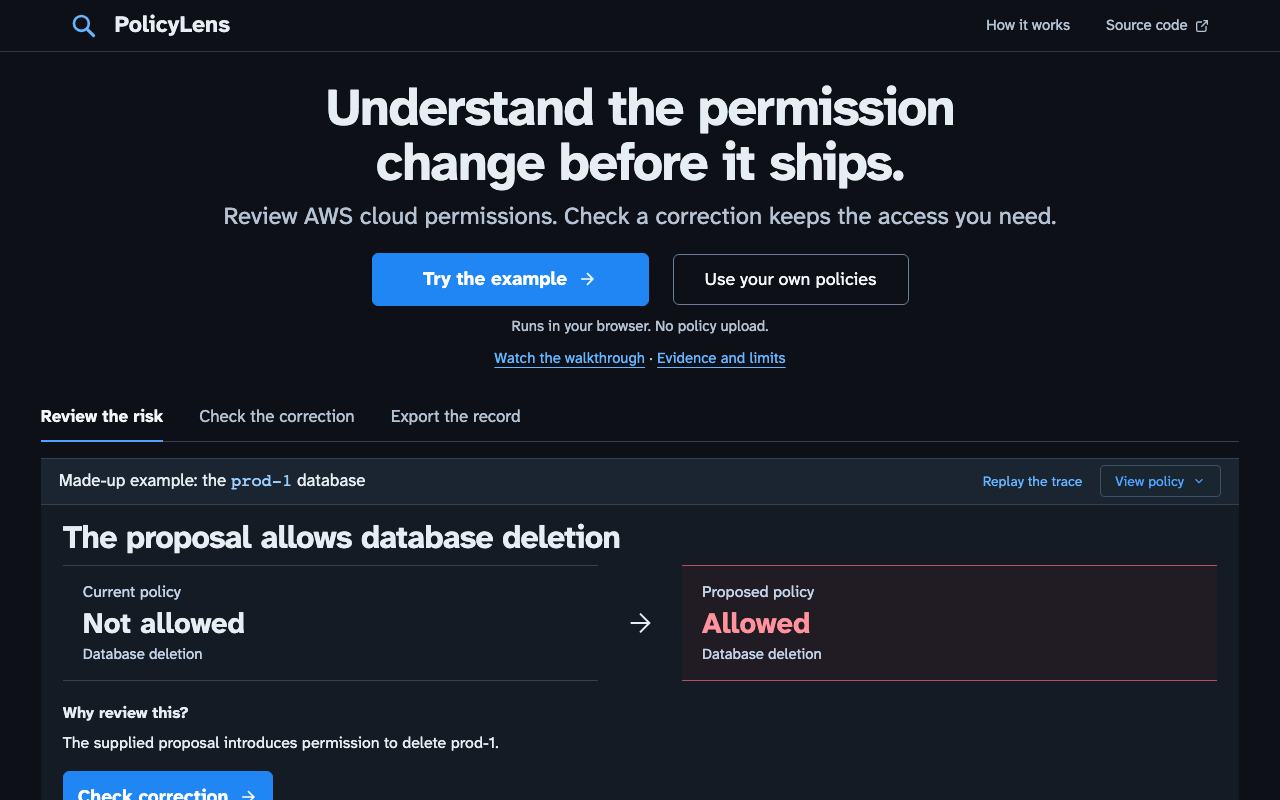
PolicyLens
Try in your browser. No account or upload.
For anyone reviewing an AWS permission change: see what new access it gives, which line causes it and whether a proposed fix works.
Try this A change that suddenly allows deleting a database, and the policy line that allows it.
Limits Checks only the policies you give it. Account-wide checks need the local Node.js version. Open the example
Open the real AWS incident
Read the case study
First steps Open the example permission change. See the new access and the line behind it, then check the proposed fix. Download the review record, or choose Use your own policies to check two JSON files. No install or API key for the browser version. Organisation-wide rules, permission boundaries and session policies are not checked.
How it works
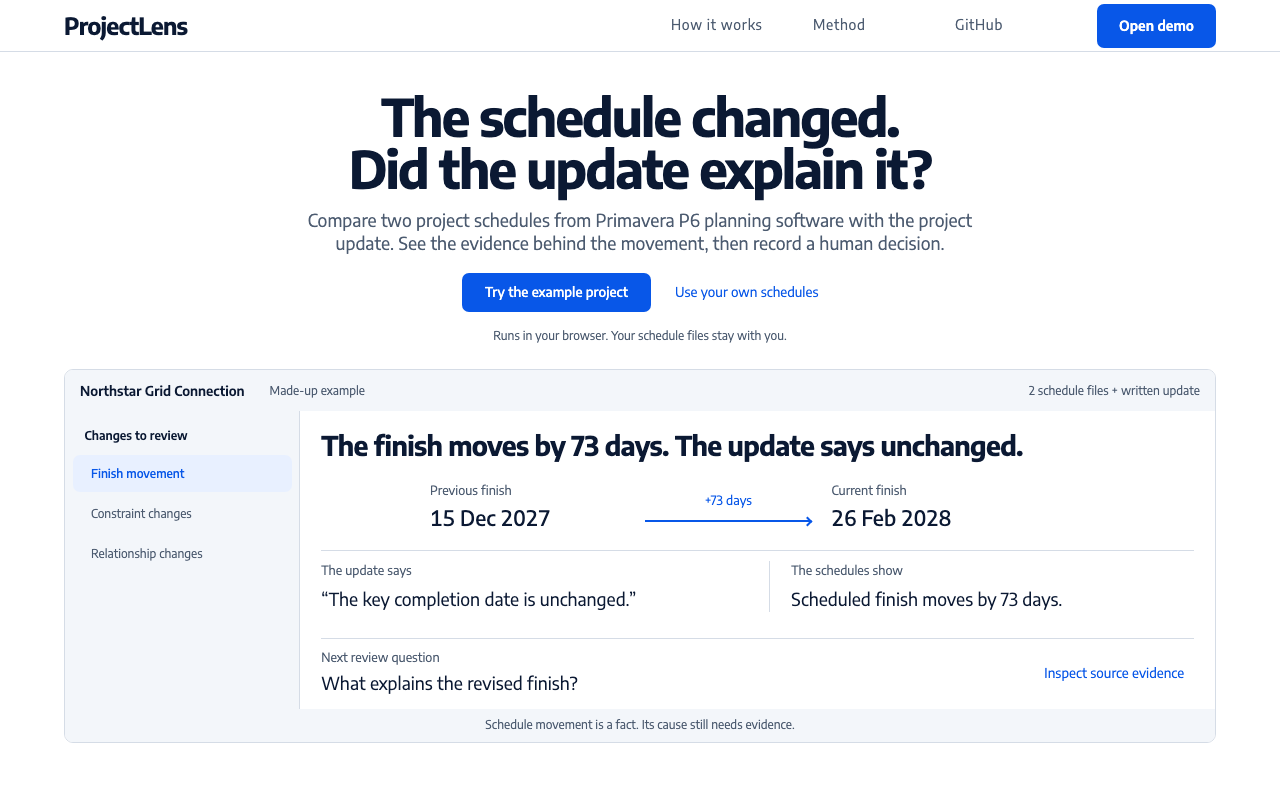
ProjectLens
Try in your browser. Example files included.
For project reviewers: check whether a written project update agrees with its schedule files, then record what to ask and what you decided.
Try this The example’s finish date moves 73 days while its update says nothing changed.
Limits Shows what changed, not why or who is responsible. Open the example
See real public data: E-7 Wedgetail
Read the case study
First steps Select Try the Northstar example. Open the top findings and the dates behind them. Select Use your own schedules to compare two Primavera P6 exports. Files stay in your browser. Download your record to keep a copy; there is no shared team workspace.
Take the guided walkthrough How it works
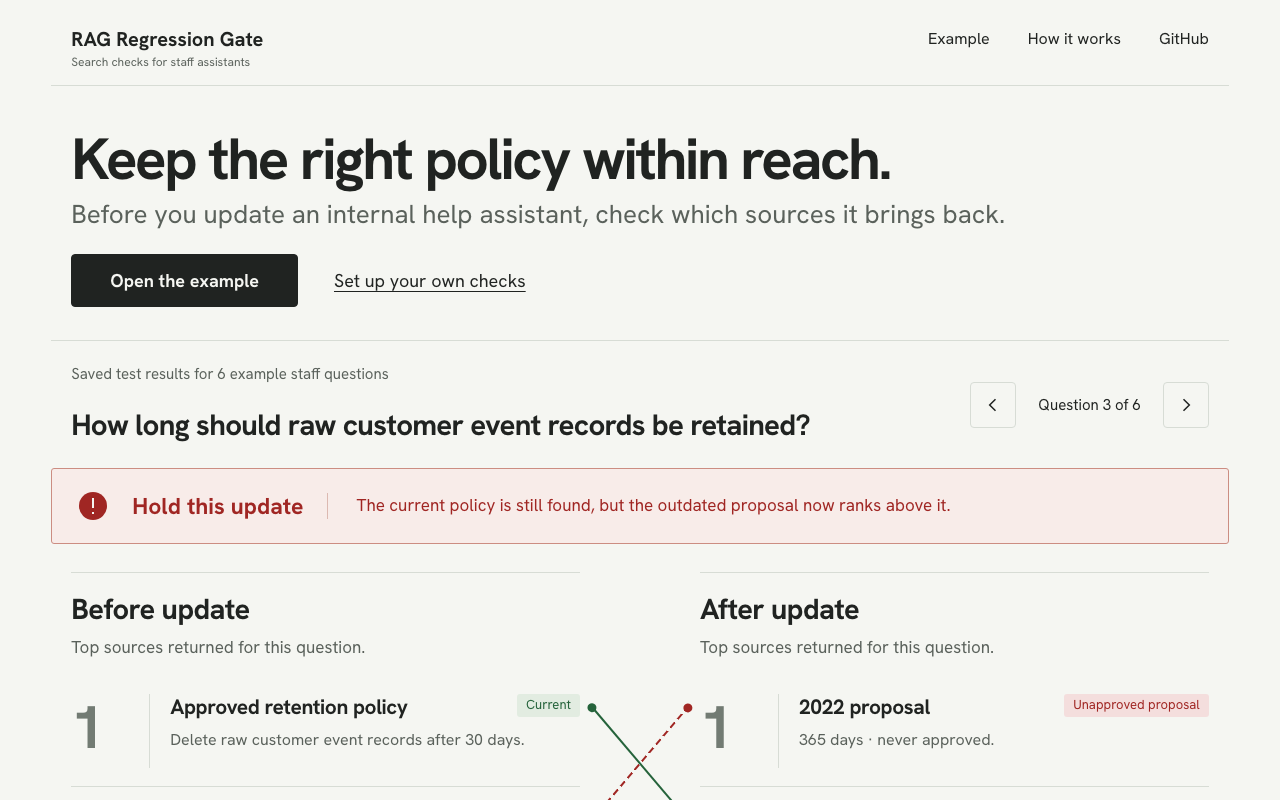
RAG Regression Gate
Try in your browser. Python to run on your own documents.
For teams running an AI assistant that looks up documents: check that a search update still finds the right policy before staff rely on it.
Try this See an old 365-day proposal overtake the approved 30-day policy, while all six question checks still pass.
Limits Checks which documents are found, not whether the assistant’s answers are right. Open the example
Read the case study
First steps Open the example and compare where the two documents rank. Step through the six staff questions and open the documents. To test your own documents, follow the setup in the repository. The website shows saved results. It does not run an assistant or accept uploads.
How it works
QuickSupply
Recorded walkthrough. Nothing to install.
See how I redesigned a Liverpool supply-teacher booking process, from a school's request to an agency assignment and teacher response.
Watch this A school requests cover, an agency assigns a teacher and the teacher responds.
Limits A recorded prototype with made-up data, not a live booking service. Watch the booking walkthrough
See the code
First steps Play the recorded walkthrough on the case page. Follow the school, agency and teacher handoffs. Read the repository's setup and security warnings before running it. Made-up data. Not ready to run as a real staffing service.
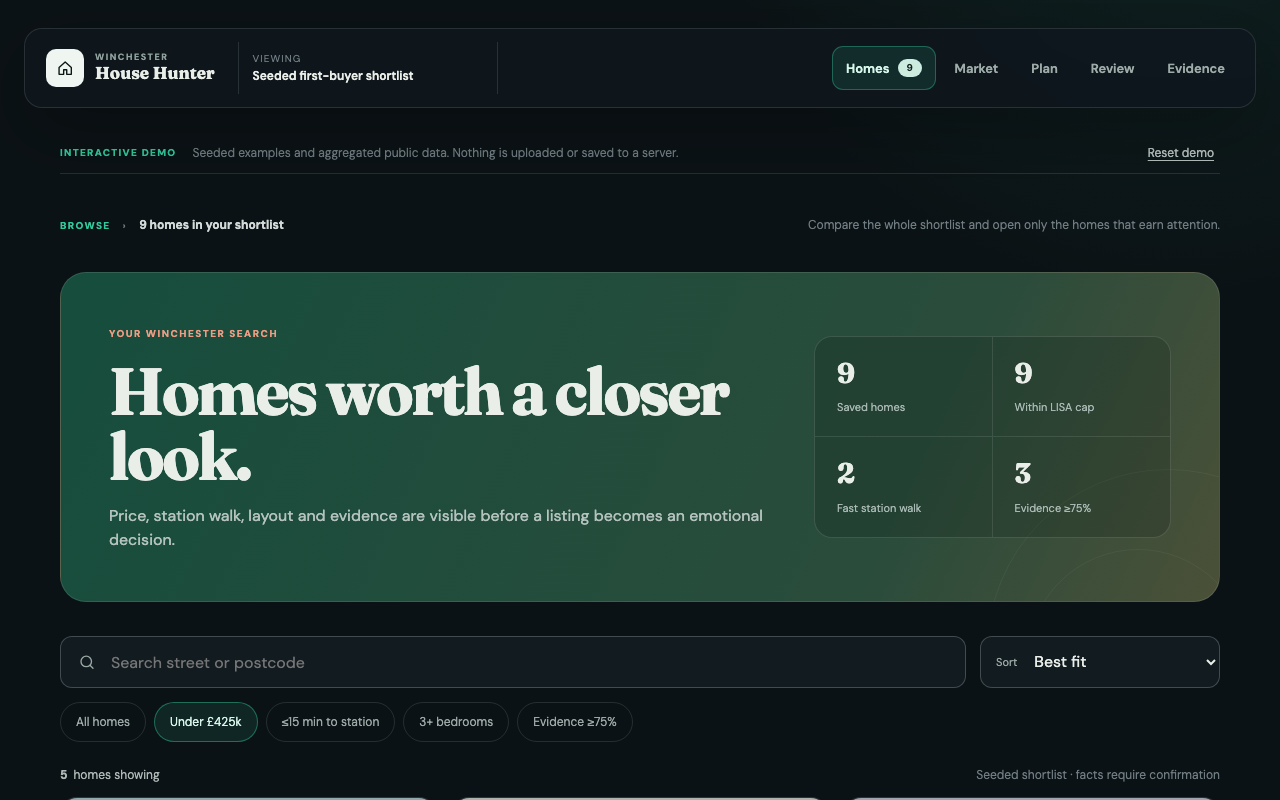
Winchester Buyer Check
Try in your browser. Made-up example homes.
For first-time buyers: compare a shortlist of homes on price, walk to the station, what you can afford and which facts are still unconfirmed.
Try this Narrow nine example homes to five under £425k, then open one to see what is still unconfirmed.
Limits The homes and scores are made up. Not listings, valuations or financial advice. Open the shortlist
How it works
First steps Choose Under £425k or a walk-to-station filter. Open a home to see which facts are confirmed. Change the affordability inputs and look at the local market. The homes are examples, not live listings. Not financial advice or a valuation.
Marketing ML Lakehouse
Try in your browser. Python to rebuild it.
For analysts and data engineers: turn raw ad-campaign files into checked reporting tables, and test whether a forecast beats a simple guess.
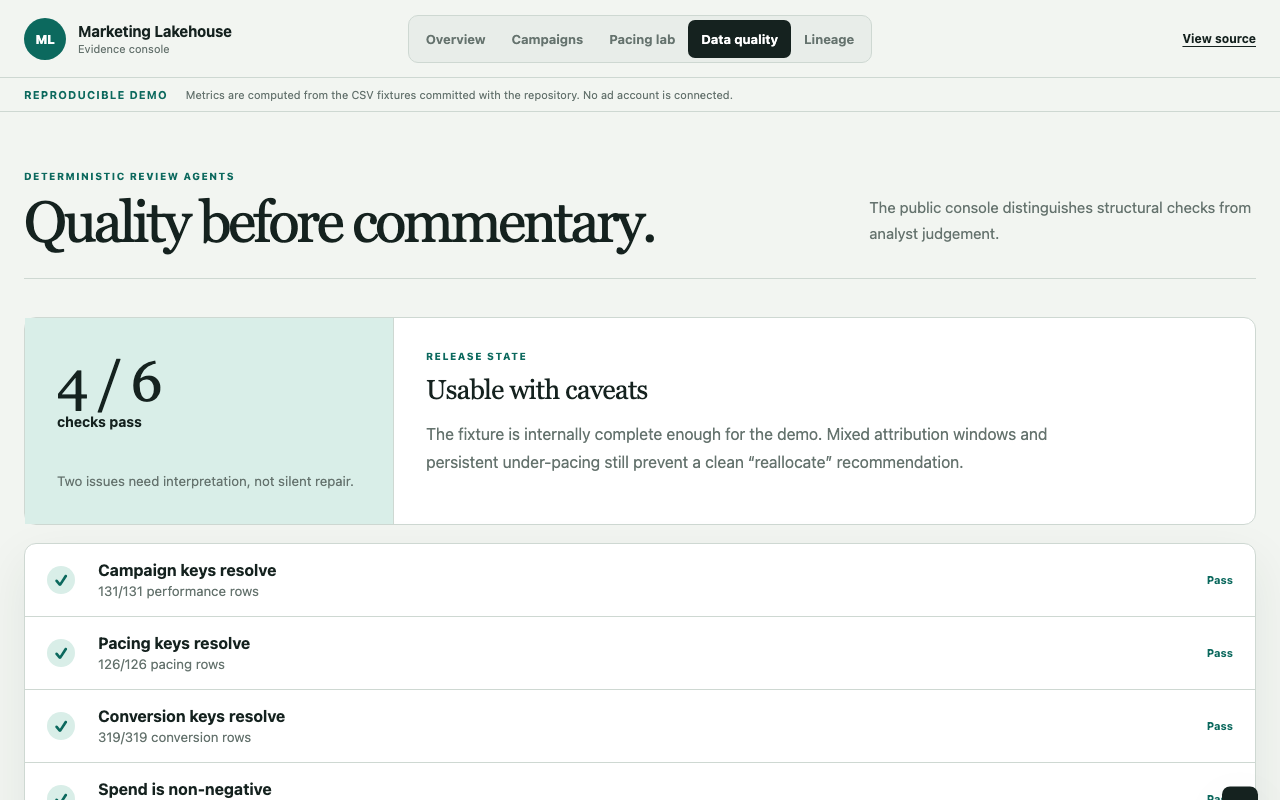
Try this Open the data checks: six pass and one warns about five repeated rows. Then follow the guide to rebuild it in Python.
Limits Made-up sample data. The next-day forecast does no better than assuming tomorrow matches today. Open the data checks
How it works
First steps Open Data checks in the browser example. Follow the published walkthrough to rebuild the example data and model. Open the local Streamlit dashboard to inspect those outputs. No ad account needed. The sample data cannot show whether a campaign worked.
HR Performance Analytics
Older project. Read online; Power BI Desktop to edit.
For people learning Power BI: an older HR dashboard built on Microsoft’s sample data, and the mistakes I later corrected in how two employee fields were read.
Read this Why a sick-leave balance is not a year’s absence, and a record’s last-updated date is not someone’s age or length of service.
Limits The dashboard files in the repository are the original, uncorrected version. The corrections are explained on the case page. Read the corrections first
Read the case
First steps Read the correction on the case page before opening the repository. Inspect the original files as historical work, not current HR findings. Rebuild measures from appropriate source fields before reusing the report. Made-up AdventureWorks data. Do not use the old labels for real employee decisions.
No work matches those filters.
Try a different search, or clear the filters to see everything.
Show all work
Code examples
For developers and data engineers. Run the included example, check the output, then swap in your own data.
Experiments: Can England Win It? , a finished football scenario game, not a forecast (retrospective ).